Set up your Digital Voice for Business devices and equipment
Find setup instructions for your Digital Voice for Business phone, handset and supporting equipment.
Important information: Please be aware that you must use the phones you ordered with your Digital Voice for Business service. We’ve already set these up, so they’re optimised for your needs. If you buy phones from other retailers, including other BT phones, they will not be set up for the service and may not work.
Find your device or equipment
Choose the type of device or equipment you want to set up, then find your model.
Desk phones
Desk phones for individual workspaces.
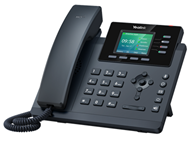 |
Yealink T34W |
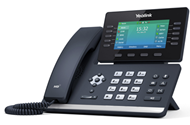 |
Yealink T54W |
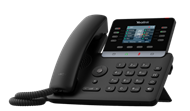 |
Yealink T73W |
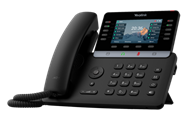 |
Yealink T74W |
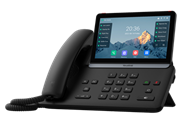 |
Yealink T87W |
Cordless phones and handsets
Set up your cordless phone or an additional handset.
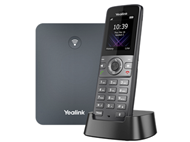 |
Yealink W73P |
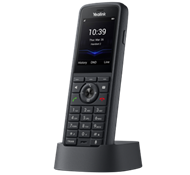 |
Yealink W59R additional DECT handset |
Conference phones
Set up equipment used for conference calls.
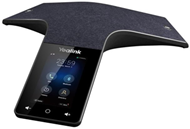 |
Yealink CP925 Conference Unit |
Other equipment
Set up equipment that supports your Digital Voice for Business service.
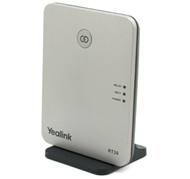 |
Yealink RT30 DECT repeater |
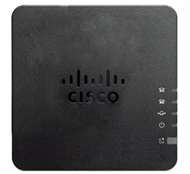 |
Cisco ATA 192 |
Help setting up other devices
If you need help with your headset or other Digital Voice for Business devices, check out our full list of device setup guides.